> ## Documentation Index
> Fetch the complete documentation index at: https://docs.osto.one/llms.txt
> Use this file to discover all available pages before exploring further.
# Incident Logs
> A consolidated view of security incidents across the platform.
**Incident Logs** brings security incidents into one consolidated view, so you can triage what happened, where, and under which policy.
> **Path:** Logs → Incident Logs
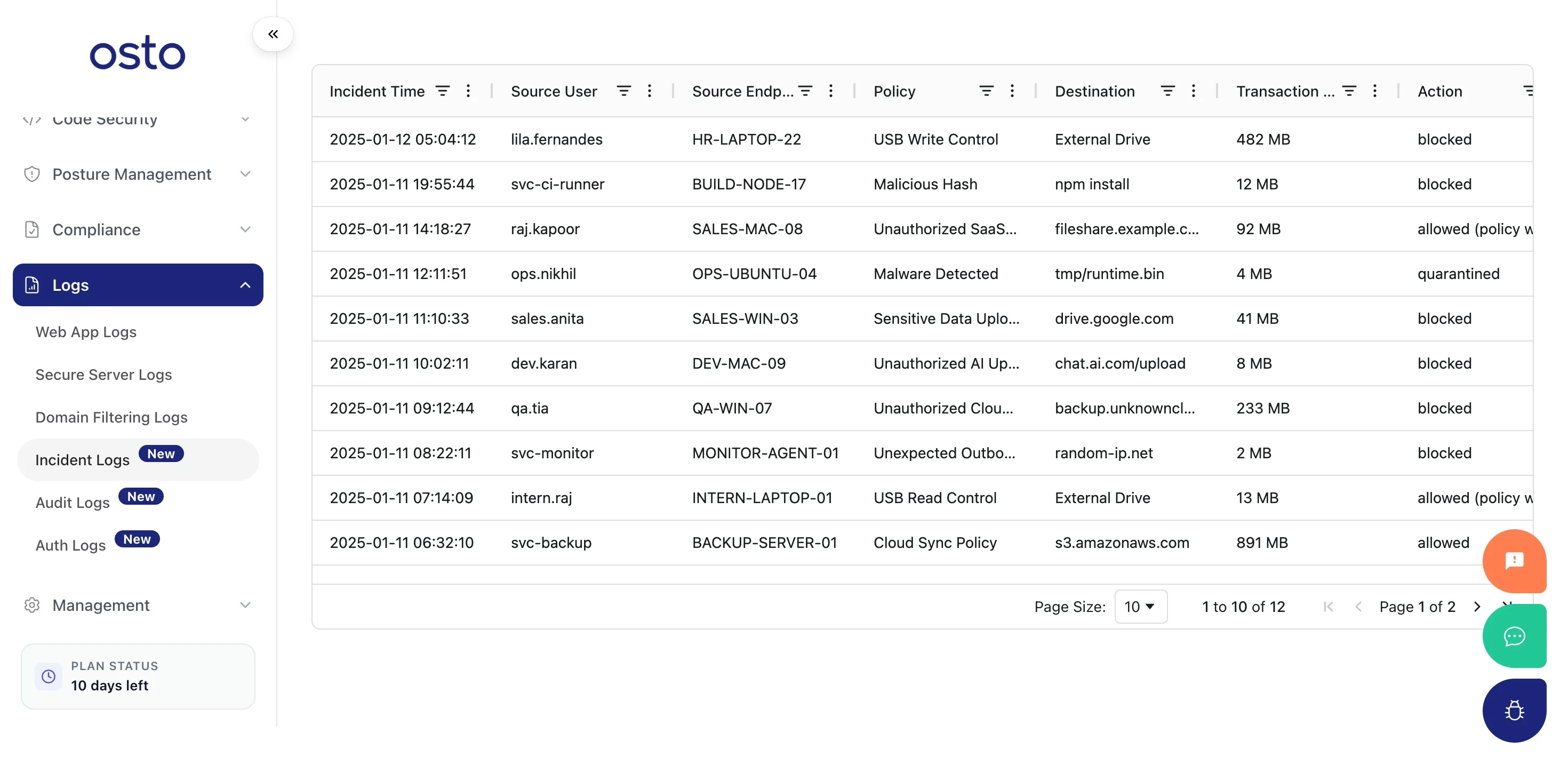 The table includes these columns:
| Column | Description |
| ------------------- | ------------------------------------- |
| **Incident Time** | When the incident occurred. |
| **Log Type** | The kind of incident. |
| **Source User** | The user involved, where applicable. |
| **Source Endpoint** | The endpoint involved. |
| **Policy** | The policy that flagged the incident. |
| **Destination** | The target of the activity. |
| **Severity** | How serious the incident is. |
Entries appear as incidents are raised across the platform; until then the table shows *"No Rows To Show."*
The table includes these columns:
| Column | Description |
| ------------------- | ------------------------------------- |
| **Incident Time** | When the incident occurred. |
| **Log Type** | The kind of incident. |
| **Source User** | The user involved, where applicable. |
| **Source Endpoint** | The endpoint involved. |
| **Policy** | The policy that flagged the incident. |
| **Destination** | The target of the activity. |
| **Severity** | How serious the incident is. |
Entries appear as incidents are raised across the platform; until then the table shows *"No Rows To Show."*