

Path: Logs → Web App Logs
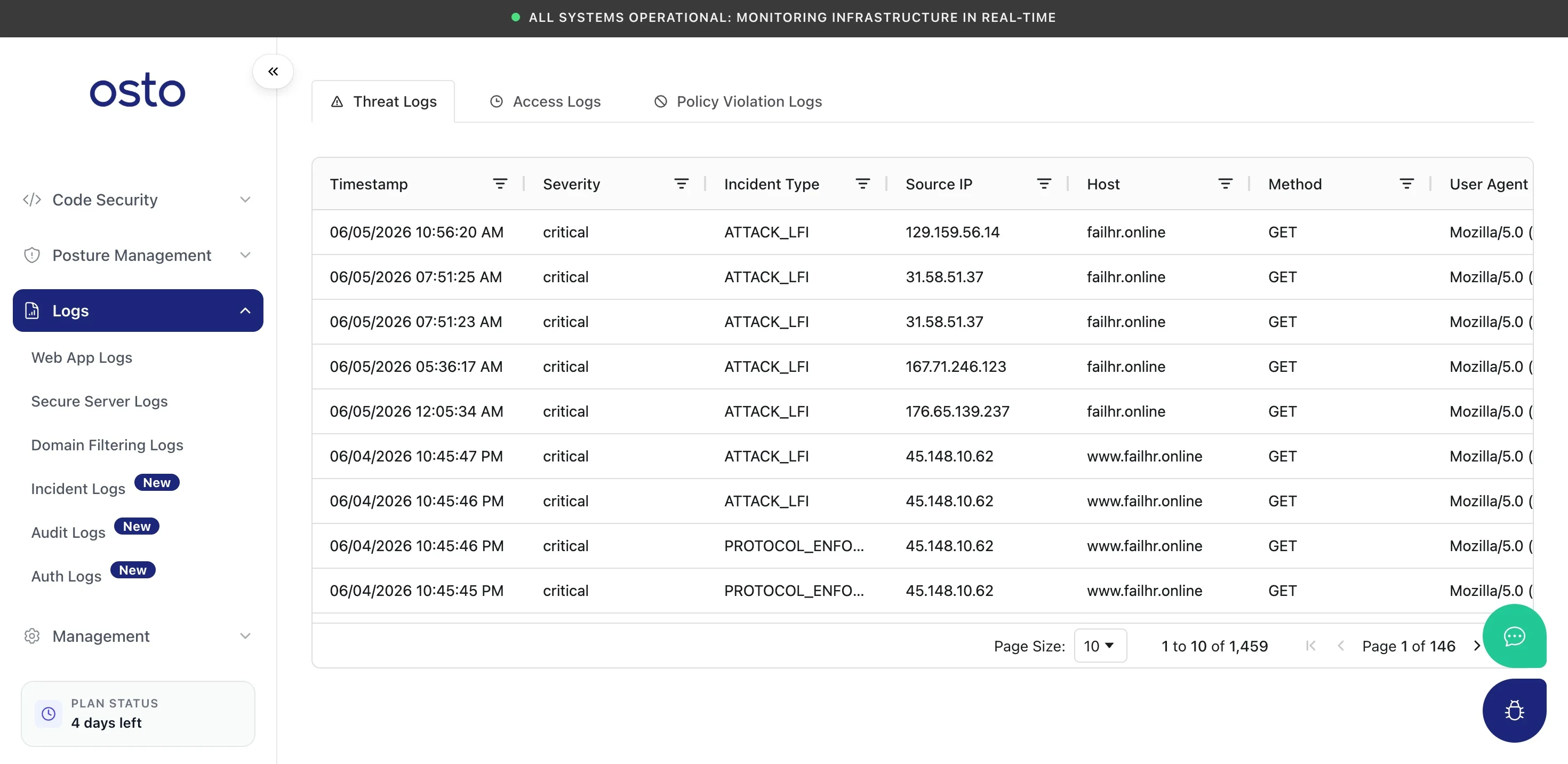
Web App Logs — threat detections with severity, type, and source.
Use the per-column filters to narrow by severity, host, source IP, or time, and the Request ID to correlate a threat entry with its underlying request.
A live record of traffic hitting your protected websites — detected threats, the full access log, and policy violations.
Path: Logs → Web App Logs
Web App Logs — threat detections with severity, type, and source.