

Path: ObjectsObjects come in four types:
Domain Category
Named groups of domains used by domain-filtering policies.
Application
Predefined application groups used by app-control policies.
Port
Protocol/port definitions used by server-access policies.
Schedule
Time-based classes that control when a policy applies.
Domain Category
A domain category is a named collection of domains. Osto includes 66 predefined categories (Web Hosting, Web Analytics, URL Shorteners, Violence, and many more) that domain-filtering policies use to allow or block whole classes of sites at once. You can also create your own.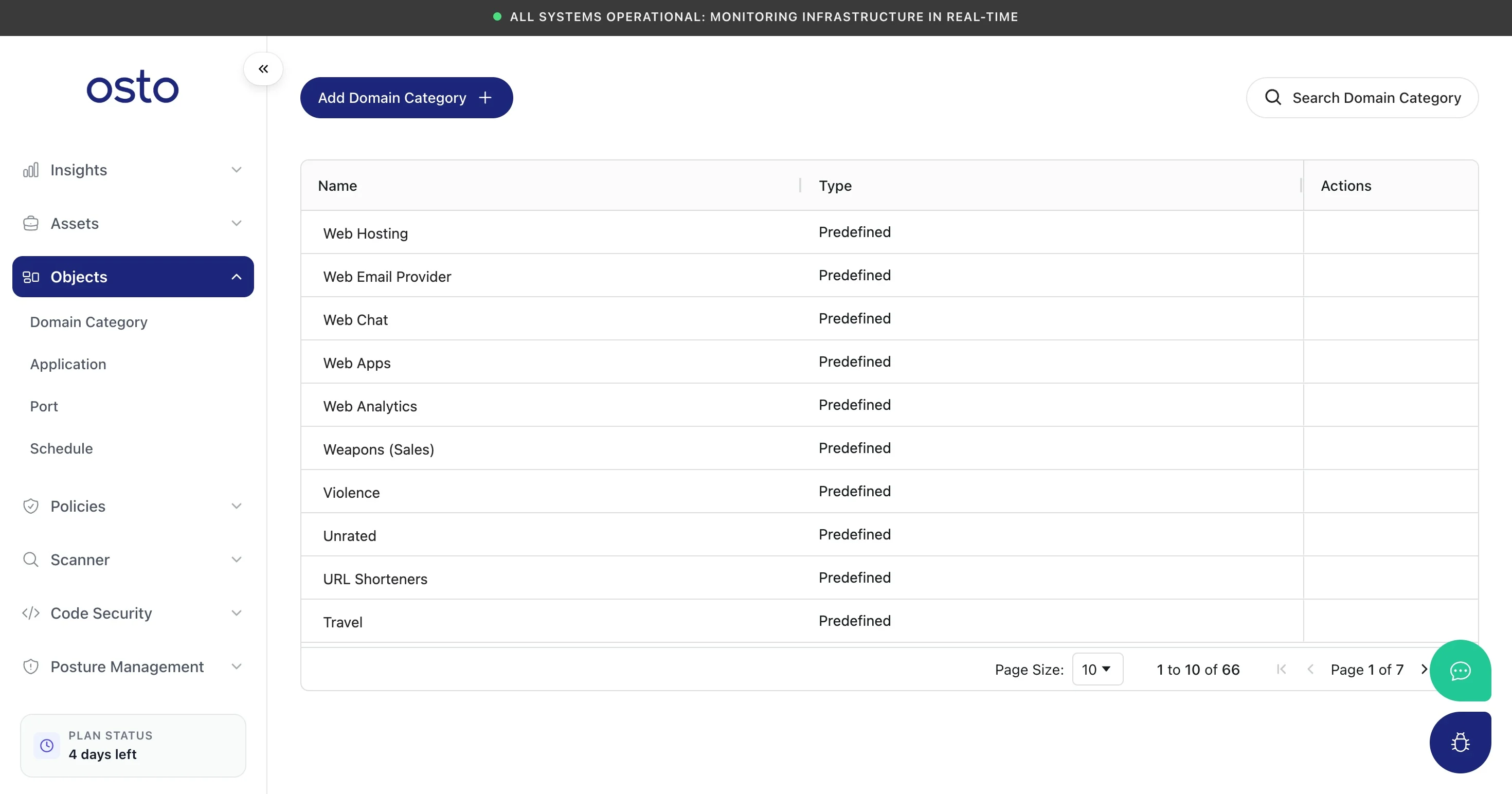
Domain Category — predefined categories plus any you add.
- Name and an optional Description.
- Add Manually — type a comma-separated list of domains; wildcards are supported (e.g.
google.com, *.facebook.com). Discover Related Domains helps expand the list. - Import Domains — upload a
.txtfile of domains (a sample file is available to download).
Application
The Application page lists Osto’s predefined application classification groups — Instant Messaging, Web Browser, P2P, VPN, and All Apps. These are the groups your App Control policy uses to allow or restrict categories of apps. The list is reference-only (you select these groups from within policies rather than editing them here).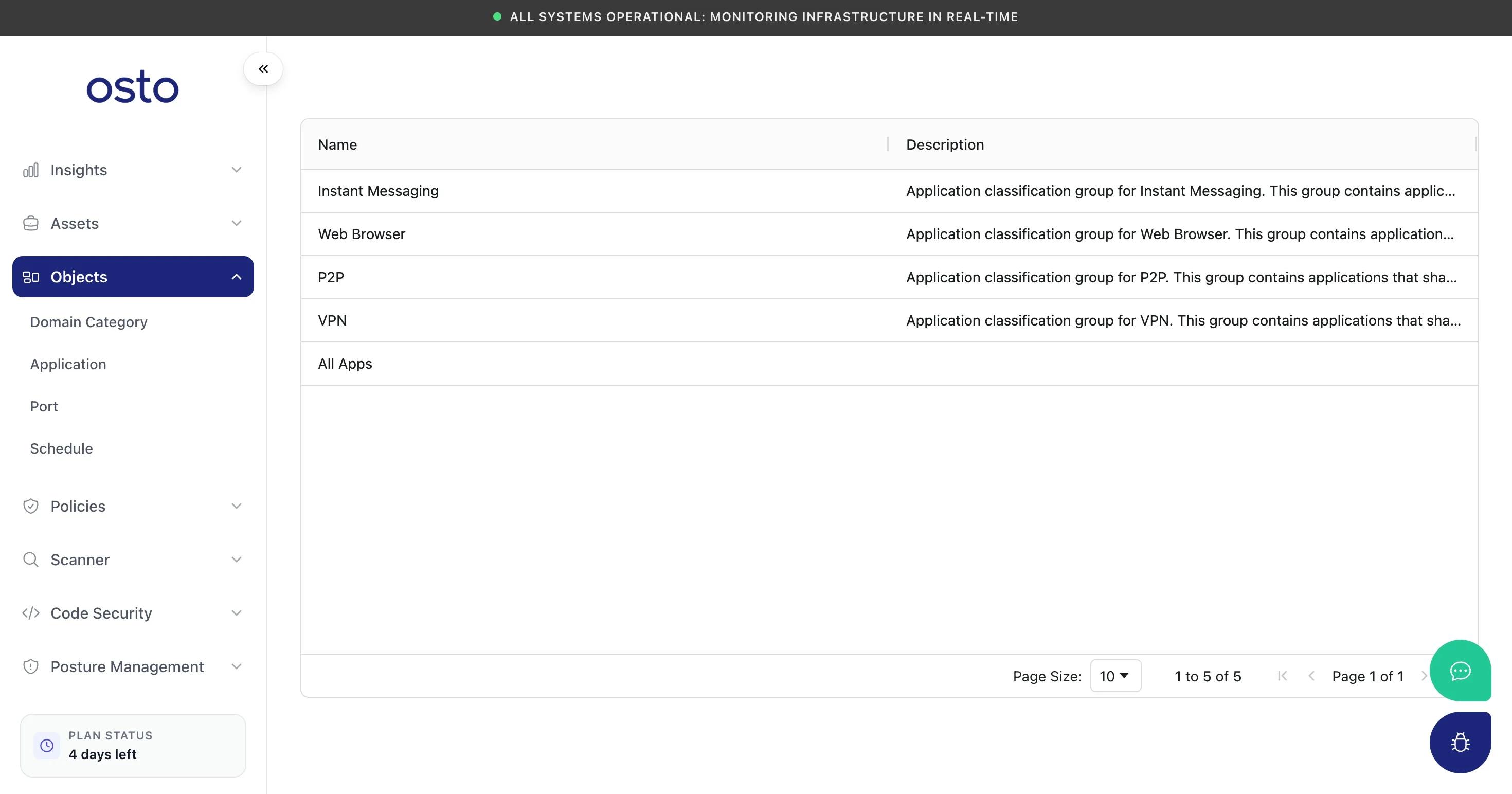
Application groups — the predefined classifications used by App Control.
Port
A port object names a protocol and port (or set of ports) so you can reference it in secure-server access policies. Osto includes common services (DNS, LDAP, SMB, SYSLOG, IKE, and more).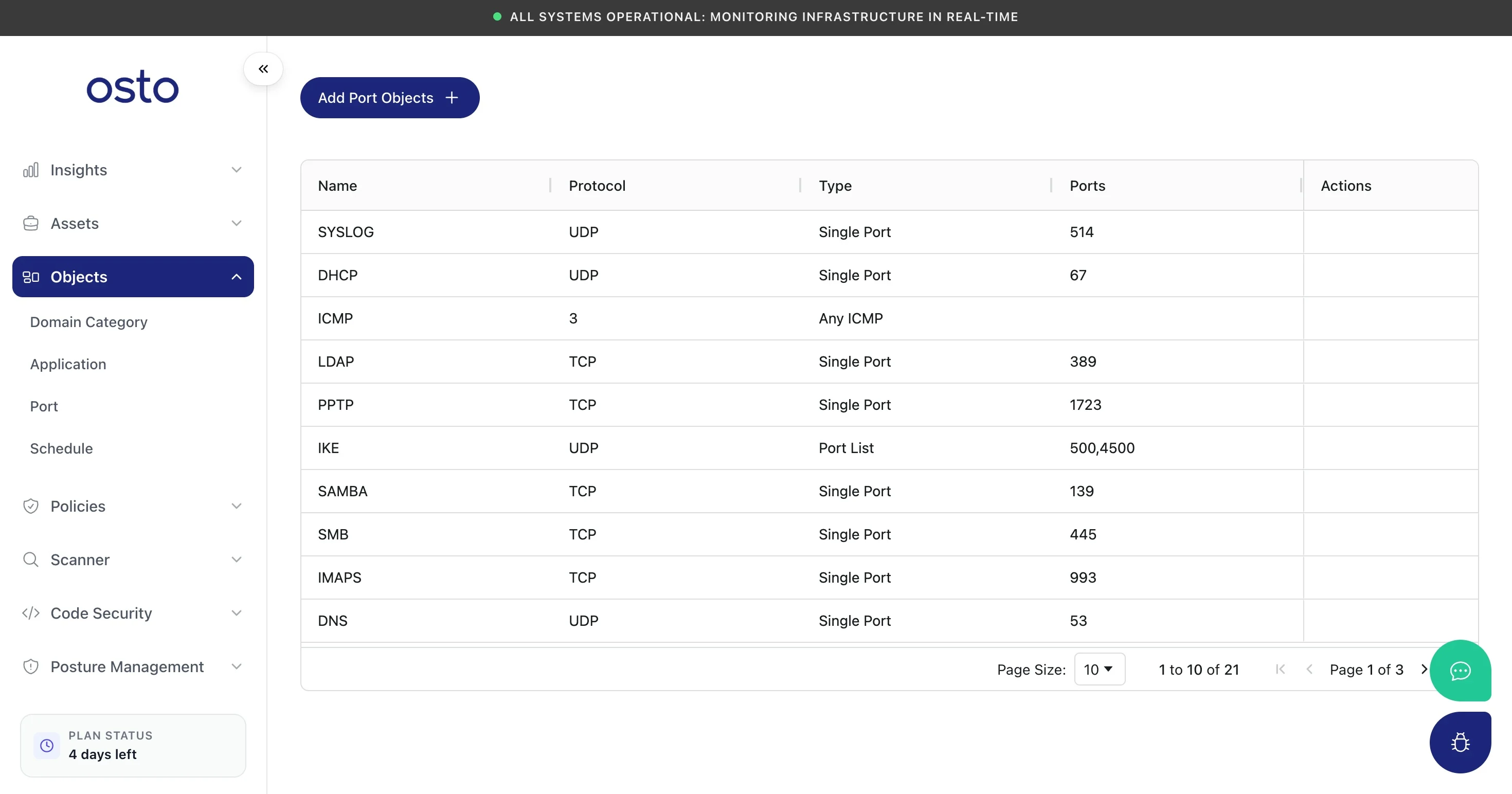
Port objects — named protocol/port definitions.
- Name.
- Protocol — TCP or UDP.
- Type — Single Port, Port Range, or Port List — then the matching port value(s).
Schedule
A schedule controls when a policy is in effect. The built-in Forever schedule applies a policy at all times; you can add time-bound schedules for policies that should only apply during certain windows. Schedules appear as the Schedule Class option in endpoint policies.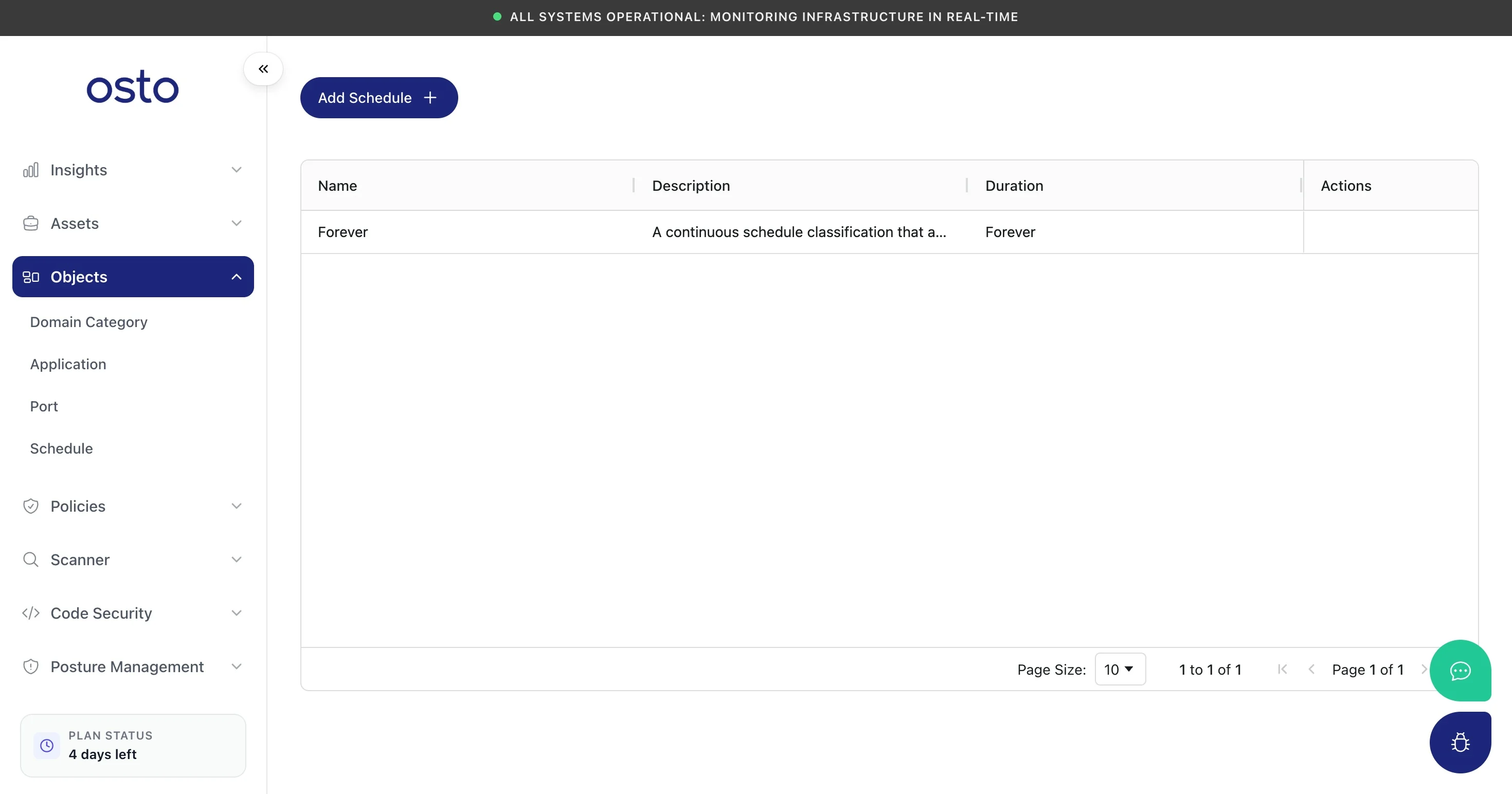
Schedules — control when a policy applies.
- Forever — always active.
- On Time — active only within a date range and during specific time windows. You set a From Date and To Date, then add one or more day + from-time/to-time entries (use Add Time Entry for multiple windows).